Fitness Trackers for Typing: When the Clasp Hits the Desk
A fitness tracker can feel comfortable on a walk and irritating at a keyboard. For desk work, the underside of the band deserves as much attention as the sensor on top.
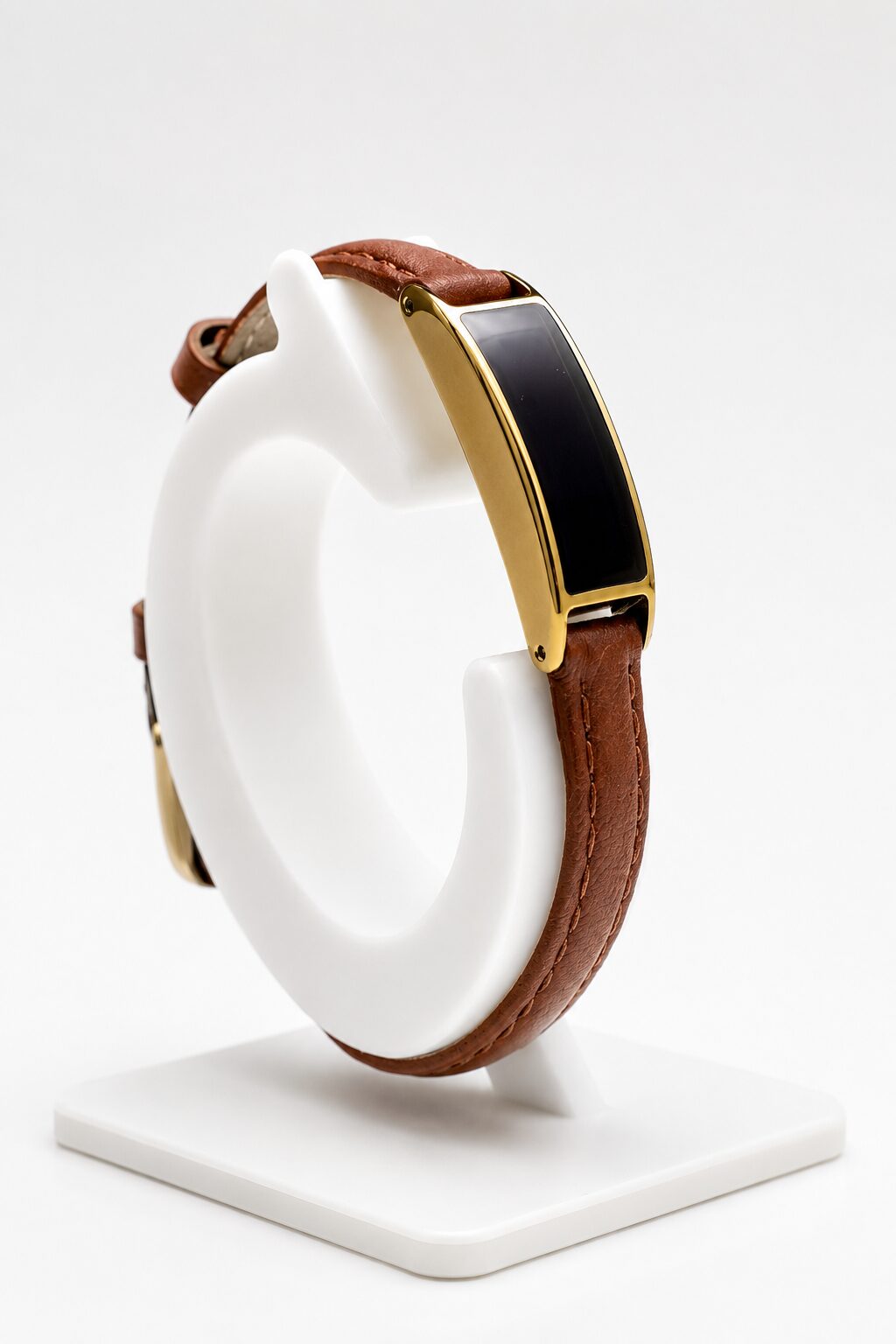
The part under your wrist matters
When you type or use a mouse, the fastening may be the part that touches the desk. A tall buckle, hard edge or folded strap can make a light tracker feel cumbersome. Changing the device without looking at the band can leave the same problem in place.
Try the setup at your actual desk. Type a paragraph, reach for your mouse and move between the two. Notice whether the clasp catches, presses into your skin or makes you change where you rest your arm. The best test is your ordinary work, not a wrist photo.
Check movement before tightening the strap
If the case slides toward your hand every time you reach, check its placement and adjustment. Tightening it until it cannot move at all can replace sliding with pressure. Aim for consistent skin contact and comfortable movement; our fit guide covers that balance.
There is no single clasp position that works for every desk, band or person. A smooth, low-profile fastening may help, but confirm the actual construction of the band you intend to buy.
Where a smaller tracker helps
Ray's device weighs seven grams before adding the band. Its compact, screenless format may appeal if a larger watch feels intrusive while typing or pulls your attention toward a display. It records sleep, heart rate, HRV, temperature trends, activity and light exposure for review in the companion app.
The band remains part of the decision. A small case does not cancel out an uncomfortable closure, and Ray is not a treatment for wrist pain. If a wearable hurts, take it off rather than adjusting your whole working day around it.
Indoor work changes the charging routine
Ray uses light for power, but ordinary office lighting is not enough. Time outdoors or suitable light by a window can contribute; sleeves and the position of the panel also matter. Check the sun, shade and window test conditions rather than assuming desk lighting will keep it charged.
Choose a setup you can comfortably wear through a normal workday, then decide whether its app and health data are useful to you. A tracker you keep taking off beside the keyboard is not solving the fit problem.