Can You Turn Off Bluetooth on a Fitness Tracker? Here’s How Ray Works
Yes, Ray supports turning off Bluetooth on the tracker itself. You can choose to sync on demand, but the app will not show new readings while the device is disconnected.
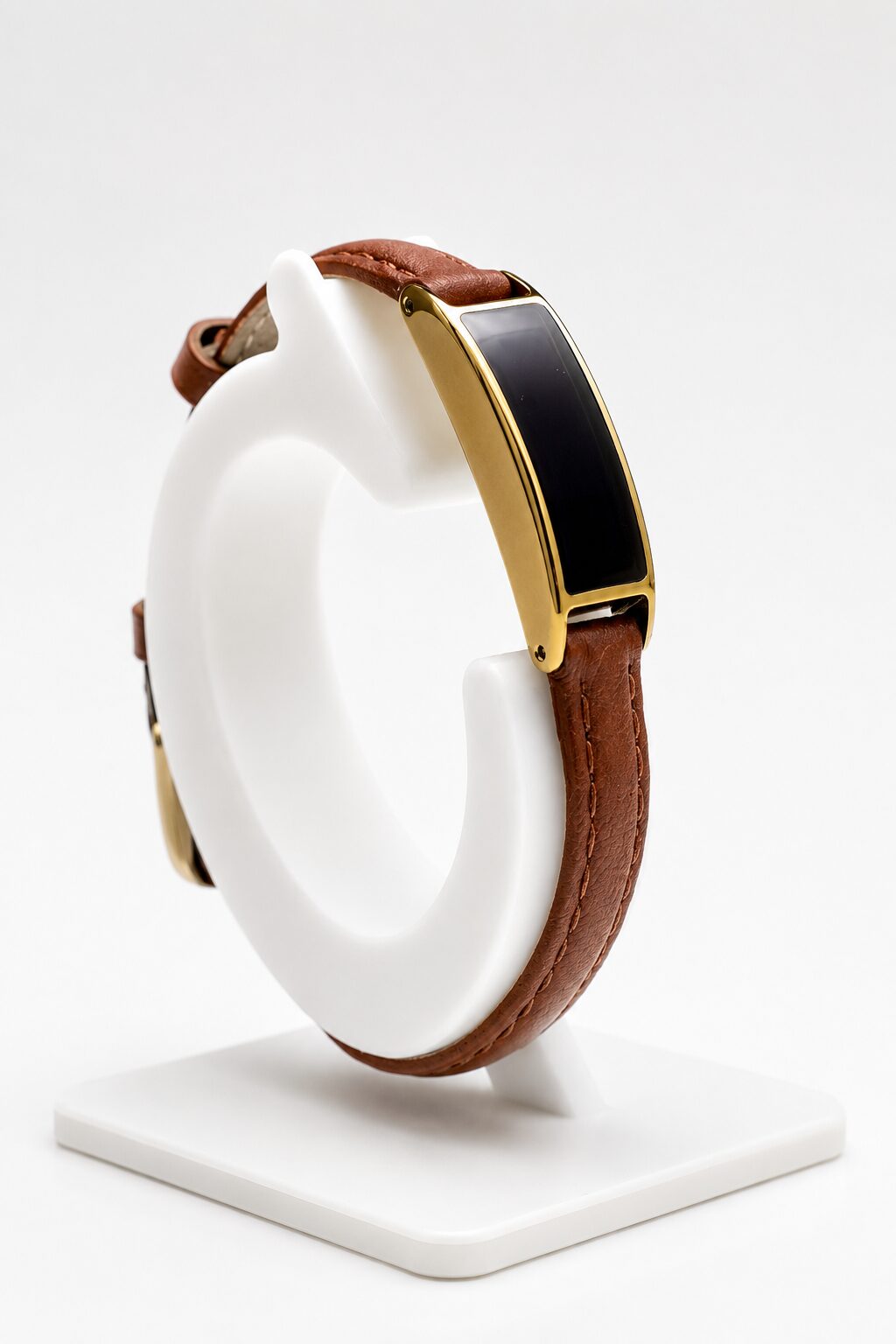
Turn it off on the tracker, not just your phone
Turning Bluetooth off on your phone stops the phone from connecting. It does not necessarily stop a fitness tracker from advertising its own signal. If you want the tracker’s radio off, look for a device-level control.
Ray supports disabling Bluetooth on the device, on-demand syncing and an adjustable transmission interval. Those are separate options: switching the radio off is different from leaving it on and having it transmit less often.
Will Ray keep tracking with Bluetooth off?
The tracker collects readings on the device; turning off the Bluetooth connection means the app cannot receive fresh data until you reconnect and sync. Do not treat that as unlimited offline storage. Confirm the supported storage period and reconnection steps for your firmware if you plan to leave Ray disconnected for a long time.
If you need live readings on your phone throughout the day, keep Bluetooth available. If you mainly review sleep and activity later, an intentional sync routine may fit better.
A simple on-demand sync routine
Pick a time when you normally look at your data, such as after waking up. Enable the connection, sync and check that the app has your latest readings. Then choose the Bluetooth setting you want for the rest of the day. The exact controls can vary with app and firmware version; ask Chargerless for the current steps rather than following instructions for a different tracker.
What this does—and does not—mean for EMF
With Ray’s Bluetooth switched off, it is not transmitting over that connection. When connected, Ray uses Bluetooth Low Energy. Its low-power design is not a measured RF-exposure ranking against other trackers, and “radiation-free” would be misleading.
For the broader buying question, read our low-EMF fitness tracker guide. For the difference between transmit power, transmission interval and duty cycle, see the Bluetooth and low-EMF explainer.