Best Fitness Trackers Without Bluetooth: A Buying Guide
Choose between a Bluetooth-off wristband, an airplane-mode ring and a tracker that communicates less often.

Start with what you want to switch off
If you want a fitness tracker without Bluetooth running throughout the day, look for an off switch on the tracker itself. A device that works away from your phone may still have its radio enabled.
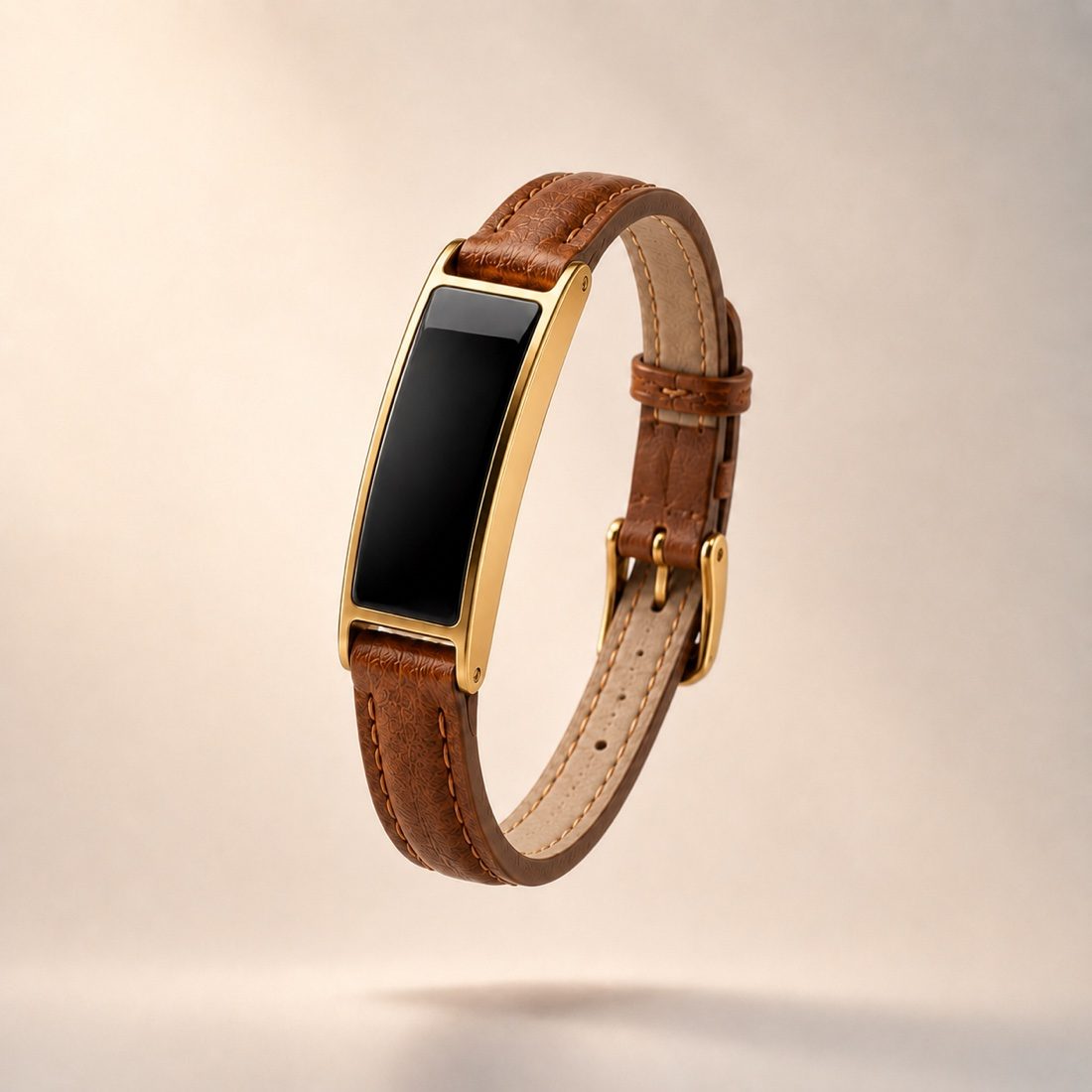
The best choice depends on whether you want a wristband, a ring or simply fewer wireless connections. Here are three different approaches, with the limits made explicit.
Which trackers let you disable Bluetooth?
| Option | Bluetooth control | Keep in mind |
|---|---|---|
| Garmin vívosmart 5 | Bluetooth Status switches Bluetooth on or off. | Re-enable the connection to sync with Garmin Connect. |
| Oura Ring | Airplane Mode disables radio transmissions while data keeps recording. | Use the charger to exit the mode and sync. Maximum seven days per Airplane Mode period. |
| Chargerless Ray | Communication can be reduced to once every several hours. | Less frequent communication, not a complete Bluetooth-off or on-demand-only mode. |
These are comparisons of documented controls, not an emissions ranking. We have not measured these devices' RF output under matching conditions.
For a wristband with a Bluetooth-off setting: Garmin vívosmart 5
Garmin's vívosmart 5 manual documents a Bluetooth Status setting that turns Bluetooth technology on and off. Its separate Sync command connects with a compatible phone. That makes it a concrete option if a device-level off switch is your requirement.
Check the exact model's manual before buying. A setting called Do Not Disturb is not the same thing as disabling Bluetooth. See Garmin's Bluetooth settings.
For a ring that records while its radio is off: Oura
Oura says its Airplane Mode disables radio transmission while the ring keeps collecting and storing data. You enable the mode in the app, then use the charger to turn it off and sync again.
The charger is part of that routine, even if you are not trying to replenish the battery. Oura limits each Airplane Mode period to seven days. See Oura's Airplane Mode instructions.
For less frequent communication and light charging: Ray
Ray takes a different approach. You can reduce Bluetooth communication to once every several hours. It does not currently have an off switch, Airplane Mode or a manual-sync-only mode.
Its appeal is a small, screenless tracker with adjustable communication frequency and a solar cell that replenishes its battery from suitable daylight. The device weighs seven grams; your band adds to the worn weight. See the light and charging observations for the conditions it needs.
If fully disabling Bluetooth is essential, choose a device with that control. If less frequent communication fits your needs and you want to leave the charging cable behind, explore Ray.
Want no Bluetooth hardware at all?
Look for a standalone pedometer whose specifications explicitly say it has no Bluetooth, Wi-Fi or cellular connection. That is a different product category from an app-connected tracker with its radio switched off.
Check what it records and where you can read the results. A simple step counter may be enough for a daily step goal, but it should not be assumed to provide sleep analysis, heart-rate history or an app dashboard. Verify the particular model rather than relying on a retailer's “no EMF” label.
Does turning Bluetooth off on your phone disable the tracker?
It does not establish that the wearable's own radio is off. Use the device's documented Bluetooth-off or Airplane Mode control if that is your goal. Removing a pairing or closing an app is also different from switching off the wearable's transmitter.
For Ray's current behavior and the difference between phone and tracker settings, read can you turn off Bluetooth on a fitness tracker?.
Is a “no-EMF” tracker the same as Bluetooth-free?
No. “No EMF” and “non EMF fitness tracker” are search terms, not a shared technical specification. No Bluetooth hardware, a disabled Bluetooth radio and less frequent transmissions describe three different products or settings. None of those phrases alone establishes that an electronic device produces no electromagnetic fields.
Our low-EMF fitness tracker guide explains what to compare. For the distinction between radio output and the power used by the whole device, see Bluetooth interval and radio power.
Before you buy
- Find the exact model's device-level Bluetooth setting in its current manual.
- Check which measurements keep recording with that setting enabled.
- Check how you turn the radio back on and whether you need a charger.
- Check the storage limit and how often you need to sync.
- Decide whether you want a display, a ring or a screenless band.
Manufacturer instructions checked November 9, 2026. The options above are selected for their different connection controls; this is not a personal wear test or a measured RF comparison.
Prefer light charging and less frequent Bluetooth communication? Ray offers that combination, with the controls described above.
See Ray options Ask a question